

Photo-First Expense Diary
Snap it. Track it.
Remember it.
SnapBox turns your receipts into a beautiful expense diary. No spreadsheets, no complicated budgets — just snap and go.
See SnapBox in Action
A quick look at every screen
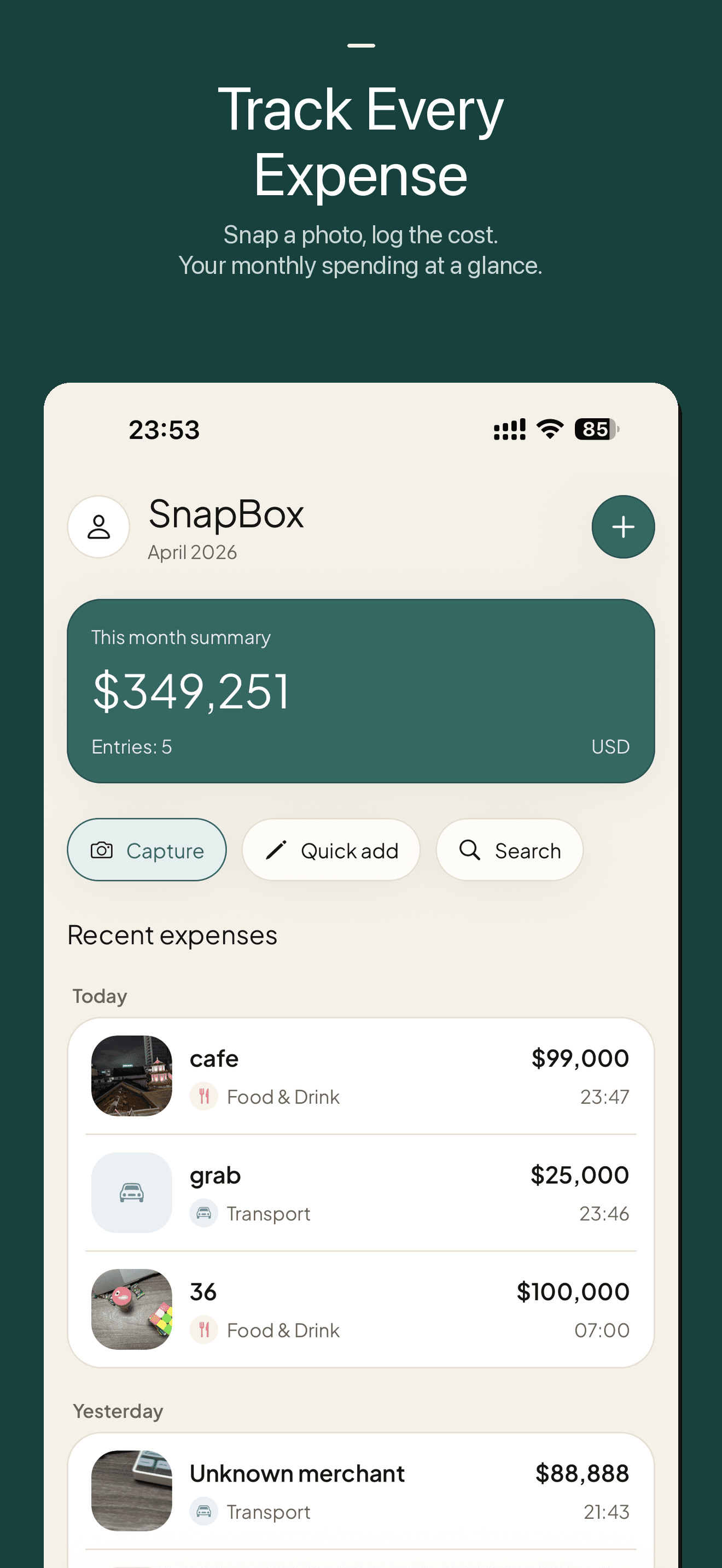
Track Every Expense — Your monthly spending at a glance
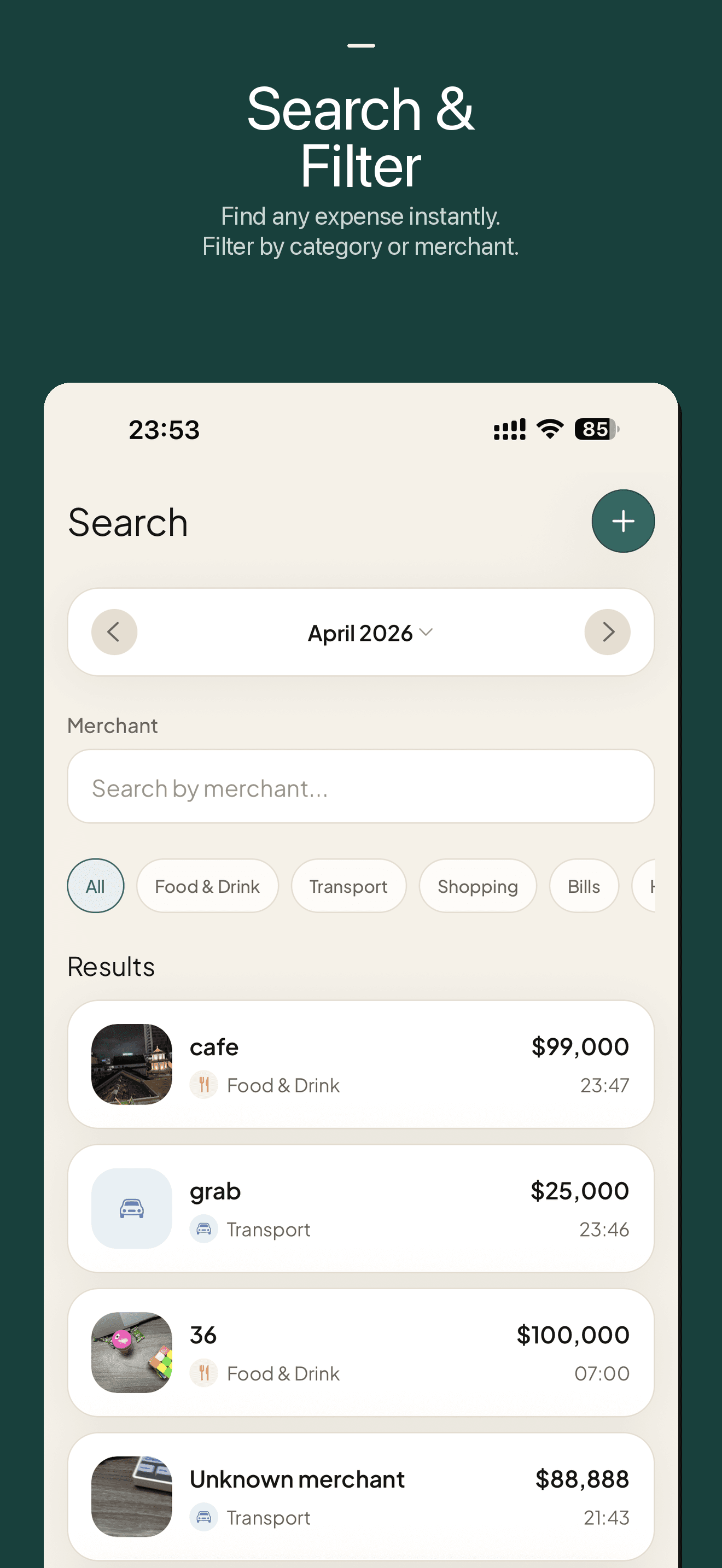
Search & Filter — Find any expense by category or merchant
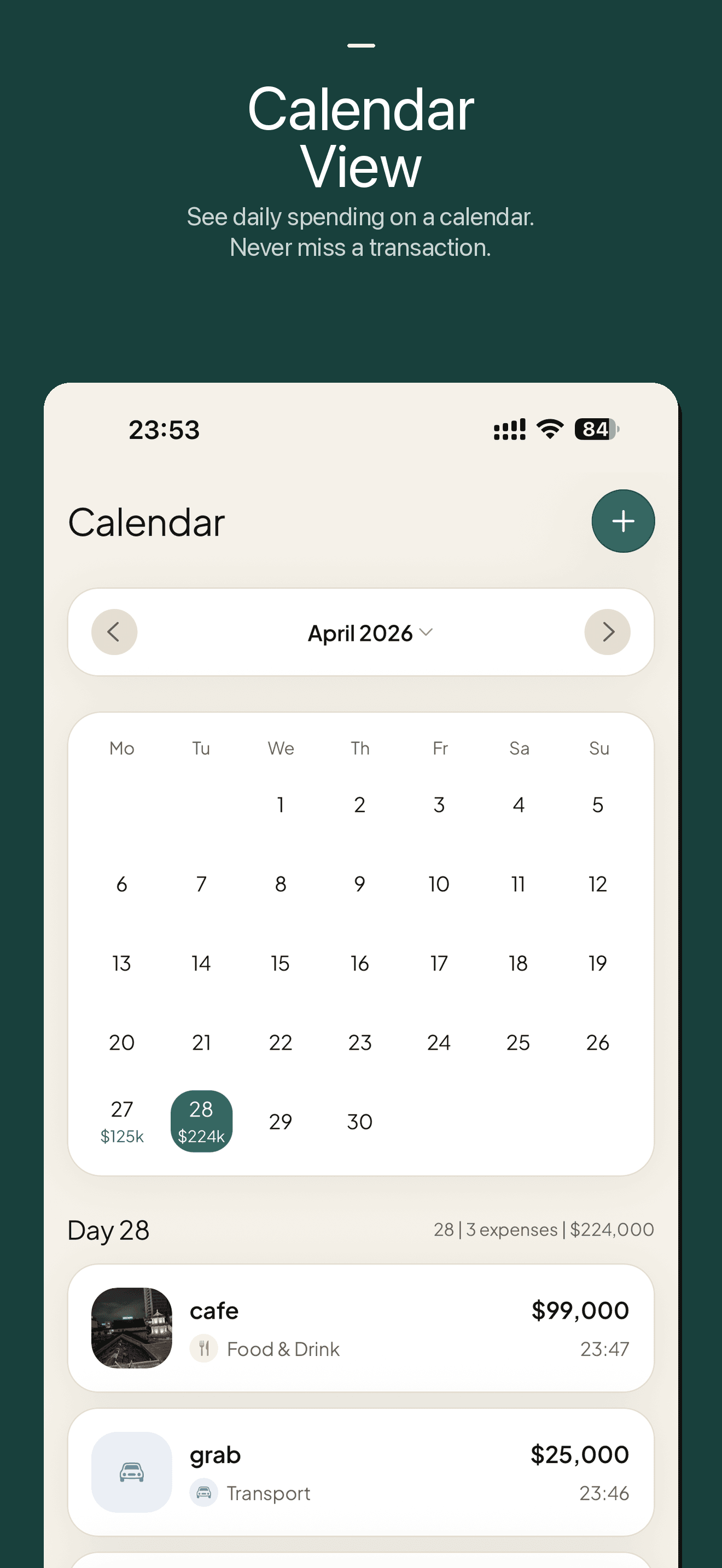
Calendar View — See daily spending on a calendar
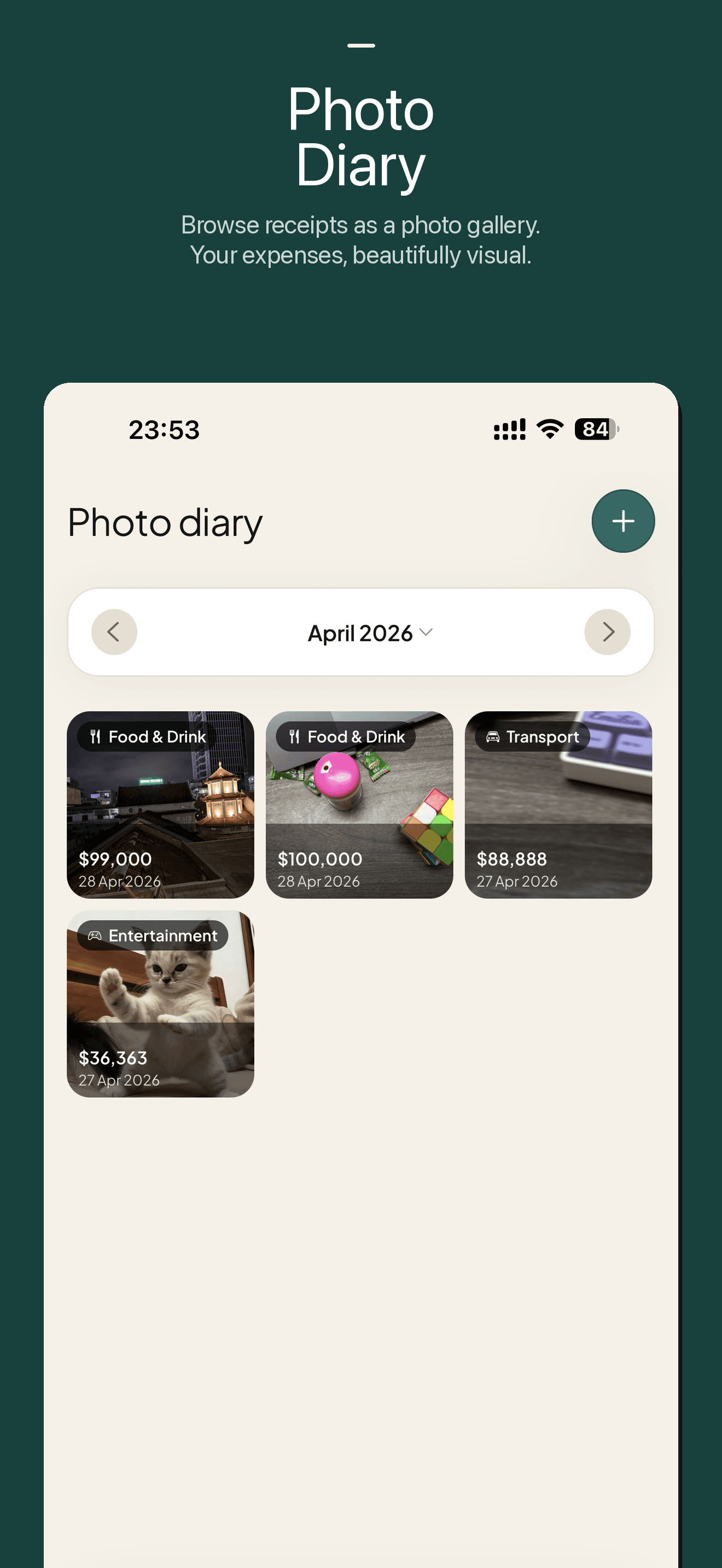
Photo Diary — Browse receipts as a beautiful photo gallery
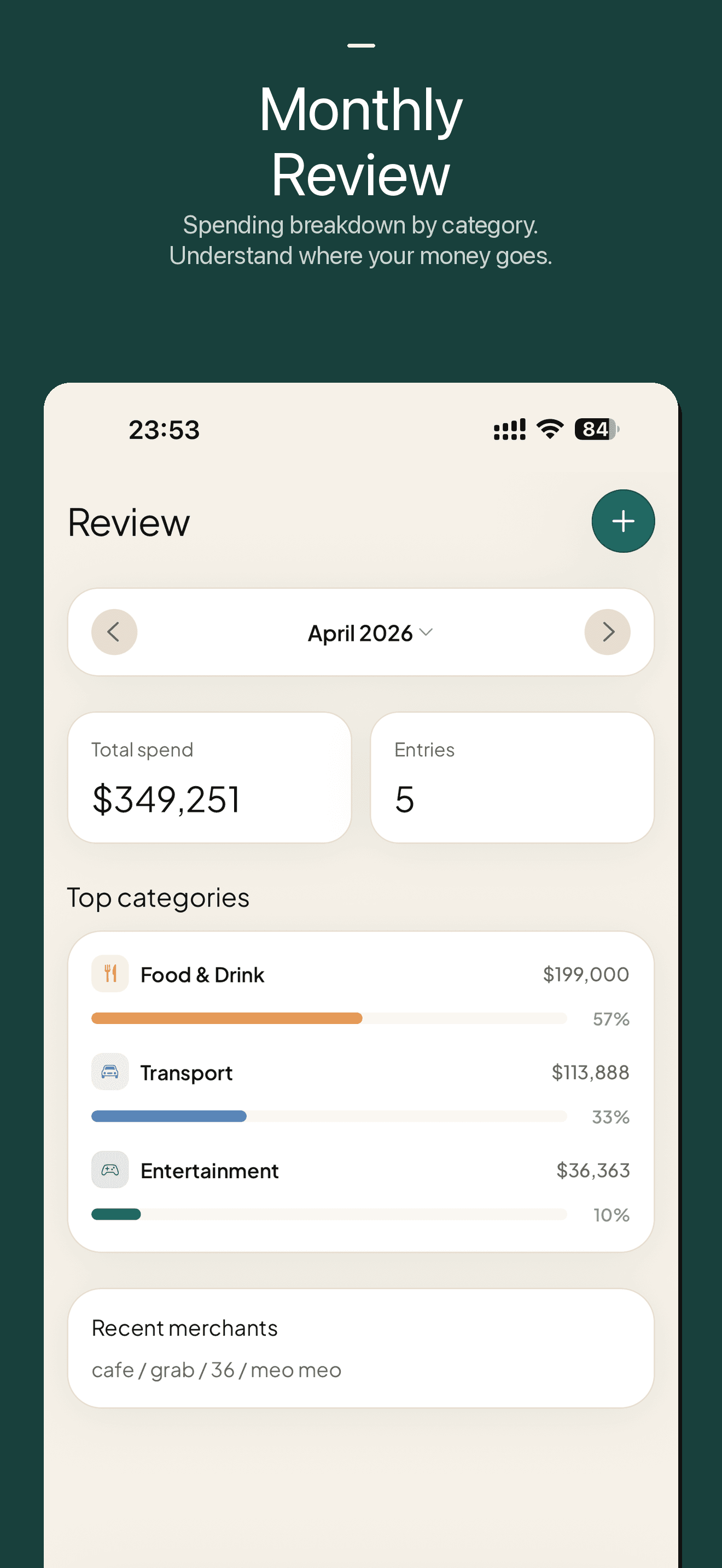
Monthly Review — Spending breakdown by category
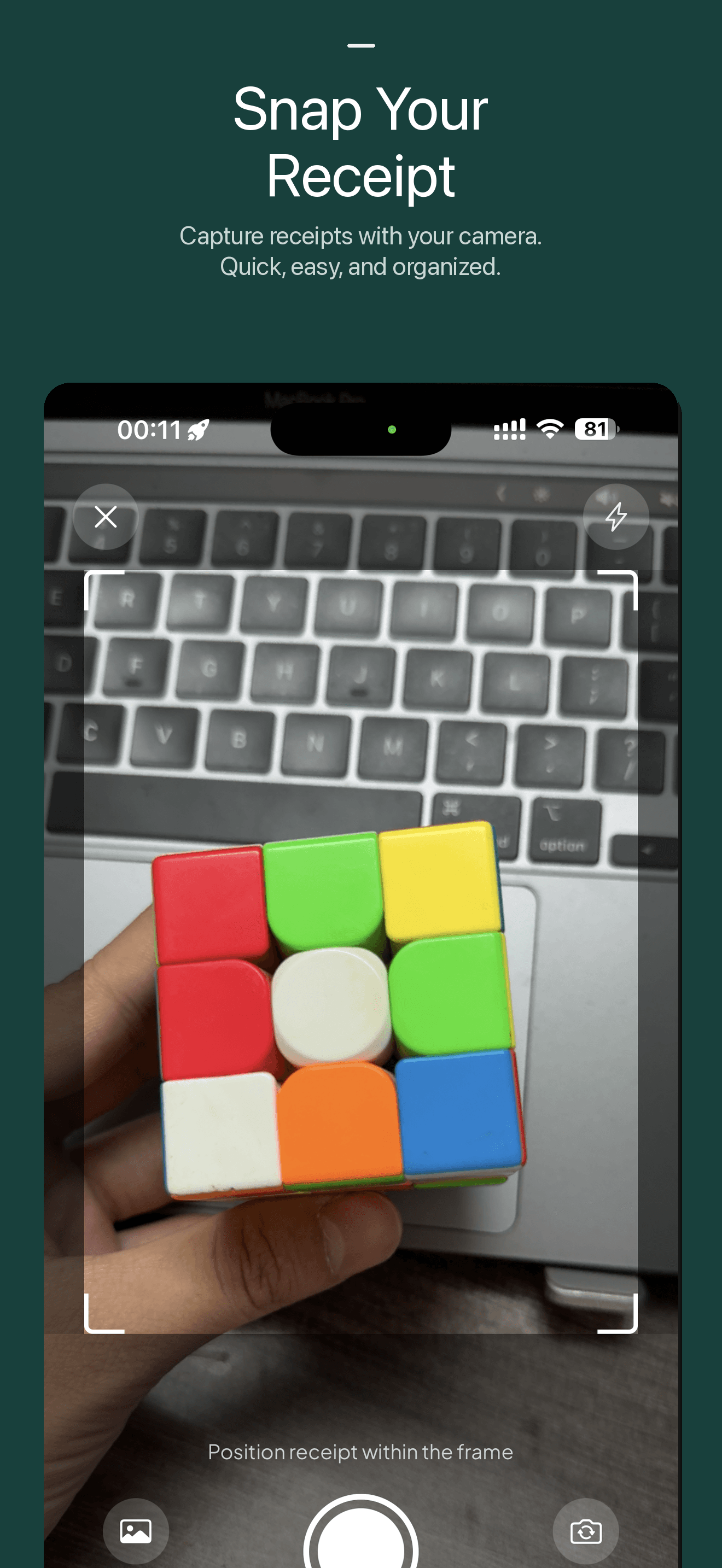
Snap Your Receipt — Capture receipts with your camera
Why SnapBox
Photo-First
Snap a receipt photo and log your expense in seconds. The photo becomes your proof and memory.
Expense Diary
Browse your spending as a visual diary. See where your money went with a warm, friendly timeline.
Split Trip Expenses
Create a trip, add travel buddies, and log who paid for what. SnapBox tallies who owes whom and exports a receipt-style image to share.
Home Screen Widget
See your monthly and daily spending right on the iOS home screen. Tap to snap a receipt or add an expense in a second.
Private & Secure
Your data stays yours. Encrypted storage, row-level security, and no data sharing with third parties.
How it works
Snap or Add
Take a photo of your receipt or quickly add an expense manually with amount, category, and note.
Categorize
Choose from 8 built-in categories. Everything is organized automatically.
Review
Browse your expense diary by day, week, or month. See summaries, trends, and all your receipt photos.
Built-in Categories
Organize your spending effortlessly
Start your expense diary today
Free to download. Sign in with Apple. Your data is private and always under your control.
Download on the App StoreRequires iOS 16.0 or later